

To choose a virtual reality flight simulator for a commercial venue, first decide whether guests should control an aircraft or experience a flight-themed motion ride. Then compare player capacity, motion, installation space, the complete operating cycle and support for the exact models on your shortlist.
An interactive cockpit and a rotating two-seat ride offer different experiences. This buying guide focuses on commercial entertainment attractions for arcades, shopping malls and family entertainment centers, rather than equipment for professional pilot training.
Choose the flight experience first
- Interactive cockpits: Focus on what the player controls. Can guests steer, select targets or affect the outcome? Request a complete demonstration; a joystick alone does not establish how interactive the experience is.
- Rotating motion rides: Focus on movement synchronized with virtual scenes. Ask which programs use full rotation, what movements each program includes and how staff select suitable content. Verify a “360 flight simulator” description against the exact model and quoted programs.
For a venue brief, write one sentence describing the attraction's role. Examples include an interactive flight challenge for individual players or a shared thrill ride for pairs. That decision makes the equipment shortlist easier to evaluate.
Compare two actual Fun Levao formats
The following examples use specifications displayed on the linked product pages. Confirm the supplied configuration and current installation drawing before ordering.
| Comparison point | VR Fighter Aircraft | Double 360 VR Flight Simulator |
|---|---|---|
| Published capacity | One player | Two players |
| Experience described | Interactive cockpit with flight and aerial combat content | Shared VR ride with full rotation and flight-themed motion |
| Published motion description | Multi-directional cockpit movement | 360-degree rotation with additional motion effects |
| Listed product dimensions | 3,123 × 1,708 × 1,739 mm | 2,830 × 2,600 × 2,060 mm |
| Listed electrical specification | 220 V / 1.5 kW | 220 V / 3 kW |
| Venue role to evaluate* | An individual flight-control challenge in a venue offering hands-on play | A two-person motion attraction where paired sessions fit demand and staffing |
| Main demonstration question | How does player input change the experience? | Which movements and effects are used in the selected content? |
Venue roles are planning suggestions based on the described formats, not measured customer preferences. Confirm guest eligibility, access and supervision requirements before deciding who can use either attraction.
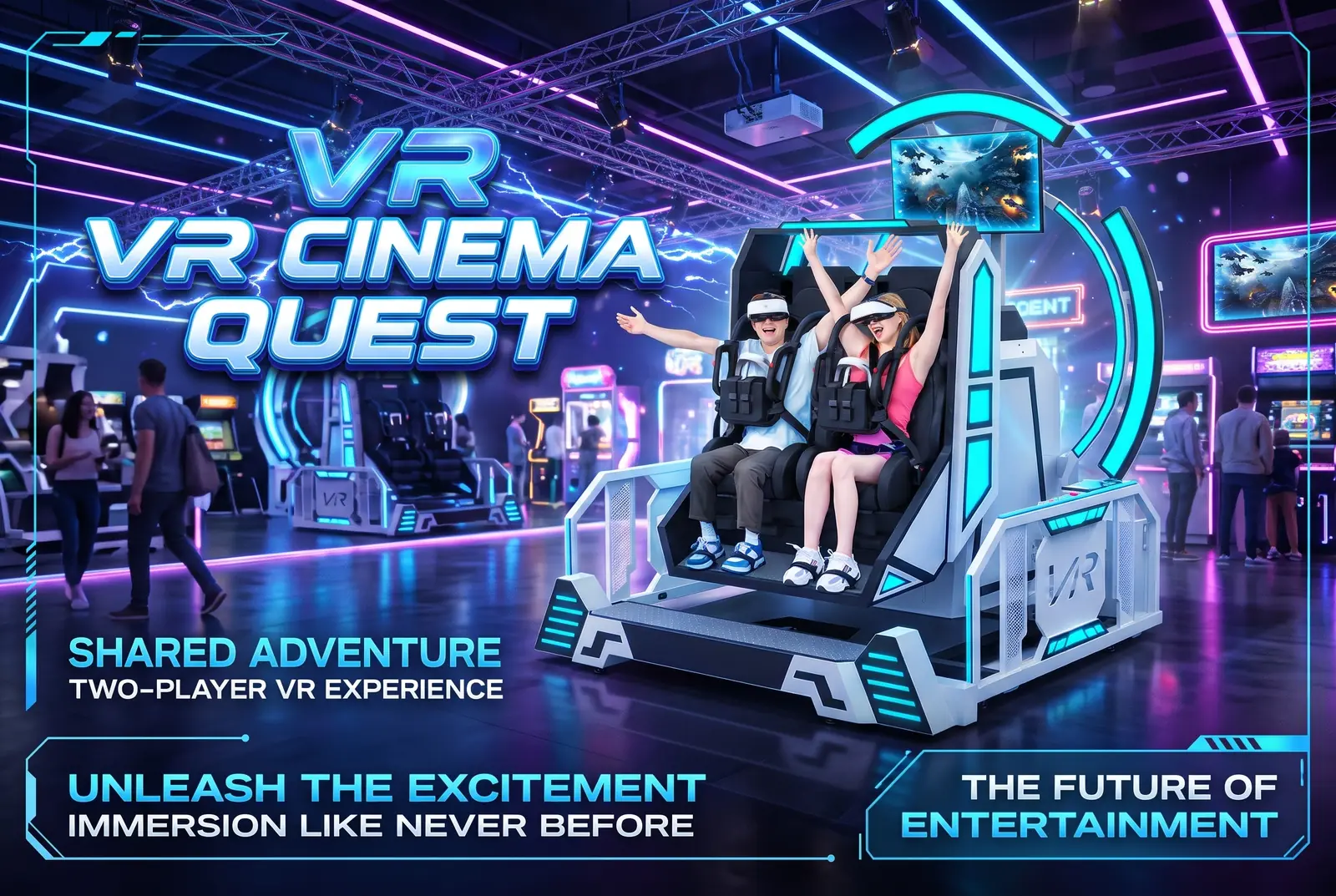
Use the VR Fighter Aircraft product page to investigate the interactive cockpit format. Review the Double 360 VR Flight Simulator for the two-player rotating format. Neither seat count nor rotation alone establishes which machine is the better fit for a venue.
Plan around the moving equipment
Product dimensions describe the machine, not the complete operating area. Request a drawing showing its maximum moving envelope, loading position, access steps, operator position and maintenance access. Then add the queue and guest circulation routes to your venue plan.
Check the delivery route before confirming a large unit. Door openings, lifts, loading access and the final installation position can all affect the delivery plan. Ask the supplier which parts ship assembled and what onsite handling is required.
For power, provide the supplier and venue electrician with the actual site conditions. A published voltage and power figure is a starting point; installation details must come from the current equipment documentation. The VR arcade floor plan guide explains how to connect equipment placement with guest and service routes.
Measure the complete operating cycle
The film or game duration is only part of a session. Staff may need to explain the attraction, check eligibility against the manufacturer's instructions, help guests enter, fit headsets, check restraints, unload guests, clean equipment and reset the ride.
During a demonstration, time the complete cycle and record the operator's tasks. For a two-seat attraction, ask how the system operates when only one guest is waiting. A paired format may fit couples or friends, but actual seat occupancy depends on the venue's demand.
Theoretical player sessions per hour can be calculated as:
Simultaneous player positions × 60 ÷ complete cycle time in minutes.
Use that number as a capacity limit. A sales forecast also needs realistic occupancy, operating hours, staffing and downtime assumptions. Avoid copying a throughput claim that measures gameplay only.
Check content, training and service together
Before comparing quotations, request the following information for each shortlisted model:
- The included content list, available languages and commercial use terms.
- How content is selected, updated and restored after a software problem.
- Manufacturer requirements for guest eligibility, restraints and supervision.
- Operator training covering normal startup, stopping, shutdown and fault reporting.
- Routine inspection and maintenance tasks, spare parts availability and warranty exclusions.
- The installation scope and the process for remote or onsite technical support.
Ask for a demonstration of the ordinary workflow as well as the attraction itself. Confirm that the supplier provides the operating instructions needed by your staff. Do not infer training or local service coverage from a general warranty statement.
Flight simulator buying checklist
Use one comparison record for each quotation:
- Experience: Confirm what the guest controls and which movements the selected content uses.
- Configuration: Record the exact model, player positions and included hardware.
- Installation: Obtain the current drawing, moving envelope, access and electrical requirements.
- Operations: Measure loading, fitting, play, unloading, cleaning and reset together.
- Content and support: Record commercial use terms, training, maintenance and service scope.
- Open questions: Resolve missing information before comparing quotes on price alone.
Browse the commercial VR equipment catalog to review other attraction formats before finalizing your shortlist.
Connect the shortlist to the turnkey VR arcade planning process when equipment selection and venue layout need to be coordinated. The final choice should fit both the guest experience and the team's ability to run the attraction consistently.
Frequently asked questions
Is a commercial VR flight simulator suitable for pilot training?
The products discussed here are entertainment attractions. Do not assume they qualify for professional flight training. Any training application needs a separate assessment against the relevant training requirements and the equipment's documented capabilities.
Does every VR flight simulator rotate through 360 degrees?
No. Motion varies by model. An interactive cockpit can use limited directional movement, while a rotating ride may offer full rotation. Confirm the movements used by the specific machine and content package.
Is a two-seat flight simulator always more productive?
No. Compare the full session cycle, actual seat occupancy and operator workload. Two available seats do not guarantee that both will be sold in every session.
What should I send when requesting a flight simulator quote?
Send your location, venue plan, ceiling and access dimensions, target guests, preferred experience, available utilities and opening target. Request current specifications, an installation drawing, content terms and an itemized quote.
Request a flight simulator shortlist
Share your project through the Fun Levao contact page. Include whether you want an interactive cockpit or a rotating experience so the proposed models can be compared against the same brief.
Turn your research into a venue plan.
Share your space, audience and goals for a practical equipment recommendation.
Request a proposal